CPU
General computing
Handles everyday system tasks, apps, and background processes.
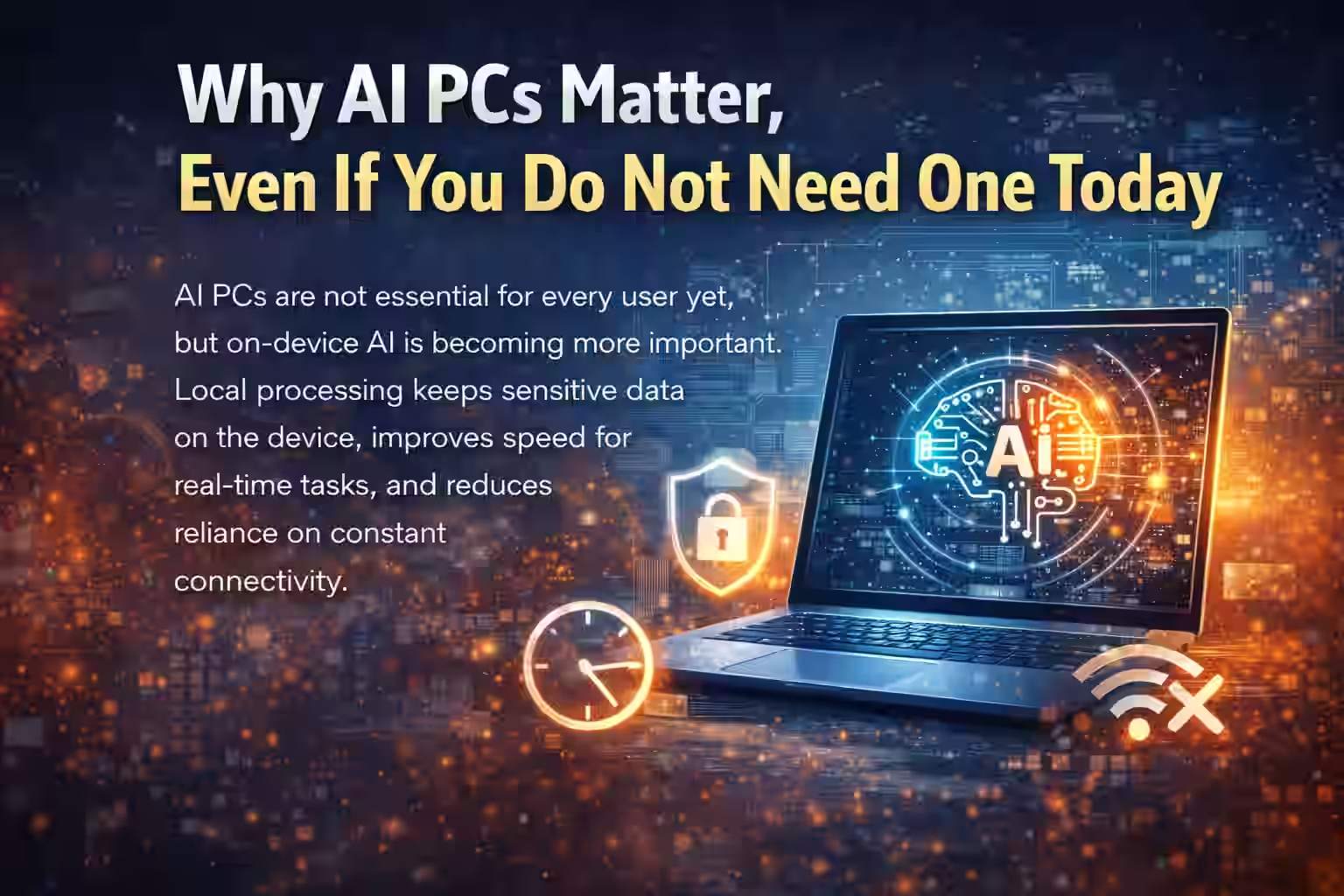
Photo credit: Generated using AI.
AI Hardware Guide
Learn what makes a PC an AI PC, how NPUs work, who benefits most from on-device AI, and whether you actually need an AI PC today. If you want practical examples of how AI shows up in daily work, see best AI productivity tools .
Updated January 2026 | By AHMAD
An AI PC is a new class of personal computer designed to run artificial intelligence tasks efficiently, locally, and continuously. It is defined less by software branding and more by hardware built for AI workloads.
A traditional PC uses AI occasionally. An AI PC is designed to run AI all the time, quietly, efficiently, and securely.
The defining feature of an AI PC is a Neural Processing Unit (NPU) dedicated to AI inference, pattern recognition, and language or vision tasks. It works alongside the CPU and GPU, but with far lower power draw and continuous background capability.
AI PCs distribute workloads across three processors so AI can run continuously without slowing the system or draining the battery.
CPU
Handles everyday system tasks, apps, and background processes.
GPU
Powers graphics, rendering, and heavy parallel workloads.
NPU
Runs continuous, low-power AI processing without draining battery life.
This balance improves battery life and keeps AI features responsive without competing with everyday workloads.
On-device AI
Traditional AI workflows send data to cloud servers and wait for results. AI PCs run many tasks directly on the device for faster, more consistent, offline-ready results.
Privacy
Local AI keeps sensitive files on the device, reduces automatic uploads, and lowers exposure to data leaks in regulated industries.
Always-on
Real-time transcription, noise suppression, smart file search, and automatic image enhancements run continuously without manual setup.
Efficiency
AI PCs prioritize efficiency: lower power use, less heat, and longer battery life while AI features stay active in the background.
Future-ready
Operating systems and apps detect NPUs automatically and offload AI tasks intelligently, so AI PCs scale with updates instead of relying only on cloud AI.
What it is not
On-device AI means AI tasks are processed directly on the computer, not sent to the cloud. This brings privacy, reliability, speed, and control-advantages that are critical in certain roles. AI PCs are not only for developers or engineers. Many everyday professions gain immediate, practical benefits.
Healthcare
Highly regulated data and strict privacy rules make cloud uploads risky.
Real example: A clinician transcribes appointment notes locally during a visit.
Legal and Compliance
Contracts, case files, and client data demand strict confidentiality.
Real example: A lawyer summarizes a 200-page contract without internet access.
Education
Many classrooms have unreliable internet and sensitive student data.
Real example: A student uses an AI note assistant during class without Wi-Fi.
Security-Focused Roles
Restricted or air-gapped environments cannot rely on cloud AI.
Real example: An analyst detects anomalies on a locked-down network.
Field and Remote Work
Remote sites and travel often mean unstable connectivity.
Real example: An engineer uses on-device image analysis to spot equipment issues on site.
In these cases, on-device AI is not just convenient-it is essential.
On-device AI shifts intelligence from a cloud dependency to a personal capability. For healthcare, legal, education, security, and field work, AI PCs deliver practical value today: greater privacy, faster responses, offline reliability, and better compliance.
For most people, not yet-and that is perfectly fine. Many of today's AI tools still run in the cloud and deliver strong results for everyday tasks like writing, research, and basic creative work.
For a skills-first approach, start with how to learn AI skills and review privacy basics in AI ethics and privacy .
Why you can wait
Most people use AI for writing and email help, research summaries, basic image edits, and productivity suggestions. These work fine on a regular modern PC.
Example: A student uses an online writing assistant to summarize articles and improve grammar.
Result: No urgent need for an AI PC.
Where it shifts
Operating systems are starting to detect and use NPUs automatically. AI features are becoming always-on, privacy expectations are increasing, and local processing is growing in value.
Performance
NPUs handle AI tasks with far less energy, keeping the CPU and GPU free for other work and laptops cooler and quieter.
Example: A professional runs background AI features all day with stable battery life.
Consider now
In these cases, an AI PC helps avoid early obsolescence.
You can wait
There is no downside to waiting until software fully catches up.
These specs keep your system ready for future AI features, even before you rely on them.
AI PCs are not mandatory today, but they are directionally important. Think of them like early SSDs or Wi-Fi standards-not required at first, but quickly becoming the norm.
If you are planning to buy a PC soon, do not chase AI PC labels blindly. Many labels are early marketing signals, not guarantees of better real-world value. Focus on strong fundamentals that matter today and determine how well your PC handles future AI features.
Priority one
A modern CPU drives system responsiveness, OS compatibility, and future AI integration.
Example: Two laptops look similar, but one CPU is three years older. The newer chip feels faster, uses less power, and supports upcoming AI features more smoothly.
Smart takeaway: CPU age matters more than AI branding.
Baseline
Modern workloads are heavier: browser tabs, background apps, video calls, and AI tools.
Example: 8 GB stutters with AI writing tools plus video calls. 16 GB stays smooth and leaves headroom.
Smart takeaway: 16 GB is the new baseline, not a luxury.
Speed
Storage speed affects app launches, file indexing, and AI features that scan local data.
Example: SATA SSDs feel laggy during indexing; NVMe feels instant and keeps AI search fast.
Smart takeaway: NVMe makes AI features feel instant, not delayed.
AI readiness
Even if you do not use AI heavily today, operating systems and apps are moving on-device.
Smart takeaway: Strong fundamentals keep your system future-ready.
When branding matters
Otherwise, fundamentals still win.
Budget buyers
Prioritize CPU, RAM, and SSD first. Avoid paying extra just for AI branding.
You can explore budget-friendly options in best budget laptops by price .
Smart takeaway: Choose balance over hype.
A smart PC purchase today is about longevity, smooth daily performance, and future readiness. Not every buyer needs an AI PC right now-but every buyer benefits from strong fundamentals.
AI PCs are not designed to replace people. They remove friction from work so humans can focus on thinking, decision-making, and creativity instead of repetitive tasks. The real shift is augmentation of human ability, not automation of jobs.
Adaptive tools
Traditional computers wait for instructions. AI PCs learn patterns and assist automatically.
Example: A professional opens the same apps, joins recurring meetings, and reviews similar documents daily. An AI PC prepares the workspace, surfaces files early, and suggests next actions.
Result: Less setup, more focus.
Offline speed
As AI moves on-device, tasks complete instantly and work continues during outages or travel.
Example: A consultant on a flight uses local summarization and document search without internet access.
Result: Productivity anywhere.
Privacy-first
Cloud AI personalizes by collecting data. AI PCs personalize by processing patterns locally.
Example: An AI PC learns writing tone, frequent phrases, and document structure without sending personal data outside the device.
Result: Personalization without giving up privacy.
Background help
AI becomes part of the workflow, not a separate app.
Higher-value work
As AI handles transcription, sorting, summaries, and routine analysis, people focus on strategy, creativity, and relationships.
Example: A manager reviews AI-prepared reports and focuses on decisions and leadership.
New skills
Example: A marketer uses AI for drafts, then applies human creativity to refine the best one.
Secure workflows
With more AI running locally, sensitive industries gain safer workflows and easier compliance.
Example: A healthcare worker uses AI daily without violating data protection rules because processing stays on the device.
The bigger shift
AI PCs represent smarter devices, private intelligence, energy-efficient computing, and human-centered workflows. It mirrors past transitions from desktops to laptops and offline software to cloud services.
The future of work is not about humans competing with AI. It is about humans working with AI quietly, securely, and efficiently. AI PCs make that collaboration feel natural, not disruptive.
An AI PC is a computer designed to run certain AI features directly on the device instead of relying only on cloud servers. It includes specialized hardware that makes AI tasks faster, more efficient, and more private.
A normal laptop can use AI tools, but an AI PC is built to run AI continuously and efficiently. The key difference is dedicated AI hardware that reduces battery drain, improves speed, and allows more tasks to happen locally.
Yes. Many AI features on an AI PC can work offline. Tasks like transcription, smart file search, image enhancement, and accessibility tools can run without an internet connection.
Yes. On-device AI processes data locally, so sensitive information does not need to be uploaded to external servers. This matters in healthcare, legal, education, and security-focused work.
No. AI PCs are designed to support people, not replace them. They reduce repetitive work like transcription, sorting, and summarization so humans can focus on decision-making, creativity, and problem-solving.
Most students do not need one right now. Cloud-based AI tools already cover common needs like writing help and research. Students who want offline learning tools, accessibility features, or long-term future readiness may benefit from AI-capable hardware.
It depends on your use case. If you are upgrading anyway and plan to keep your PC for several years, choosing AI-ready hardware can be a smart long-term decision. If your current PC works well, there is no urgent need to upgrade.
The most important specs are a recent-generation CPU, at least 16 GB RAM, and fast NVMe SSD storage. These fundamentals ensure smooth performance today and compatibility with future AI features.
No. AI PCs benefit many non-technical roles, including teachers, doctors, lawyers, managers, students, and remote workers. You do not need to code to benefit from AI features built into everyday tools.
AI PCs will make computers more personal, adaptive, and efficient. Tasks feel faster, software anticipates needs, and users rely less on constant internet access, leading to a smarter and more private computing experience.
A clear view of what AI PCs do today and where they are headed helps you buy with confidence. The core value is not hype-it is on-device intelligence that makes everyday computing faster, more private, and more reliable.
An AI PC is defined by local AI processing, not marketing labels. It reduces dependence on cloud servers and keeps more work on your device.
Dedicated NPUs handle AI tasks at low power, keeping battery life stable while features run quietly in the background.
Faster responses, stronger privacy, and reliable offline access make on-device AI practical for work and school.
Many users can wait, but future software is moving on-device. Choosing AI-ready hardware today can extend the useful life of your next PC.
Understanding these fundamentals now leads to smarter, longer-term buying decisions.
Structured answers: summary, actions, tools, citations.
Suggested prompts
Learner mode follow-ups