TechNextPicks Editorial Canada Edition | Issue: Feb 2026
Quote Canada Estimate Printable

Quote / Estimate Template (Canada): Free Generator + Printable PDF

Last updated: February 16, 2026

Create a professional estimate, then convert it into an invoice. General info only.
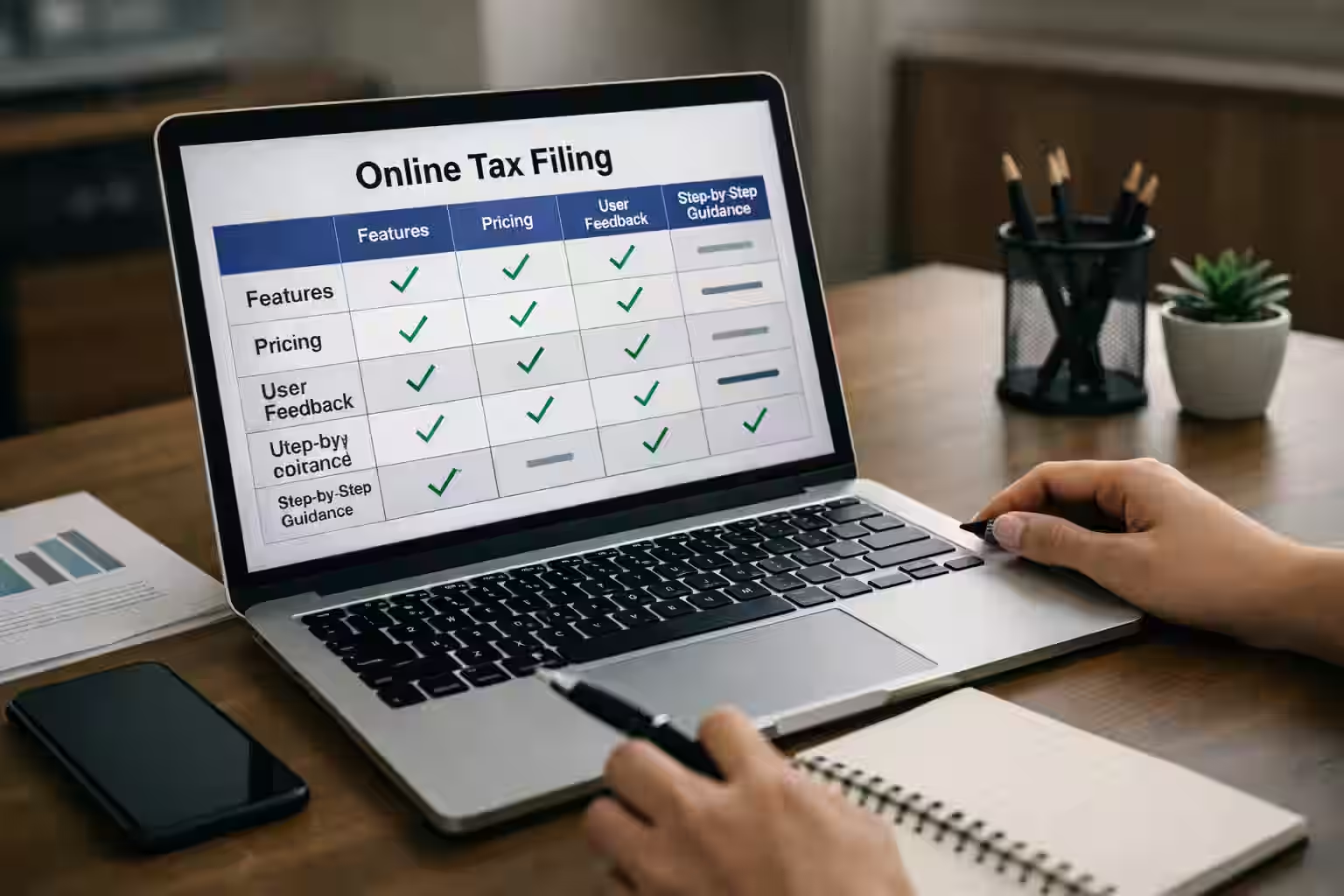
Quote template Canada

General info only - not tax advice.

Professional quote template for Canadian businesses

Creating a clear and professional quote is the first step to getting paid faster. Whether you're a freelancer, contractor, consultant, or small business owner in Canada, a well-structured estimate helps set expectations, reduce misunderstandings, and build trust with your clients.

This free Canadian Quote / Estimate Generator allows you to create polished estimates in minutes. Add your business details, client information, line items, taxes (GST/HST or QST), payment terms, and notes, then instantly generate a clean, printable PDF. When your client approves the quote, you can easily convert it into an invoice without re-entering the information.

This tool is designed for general informational use and practical business organization. It helps you structure professional documents, understand common estimate components used in Canada, and maintain clear records. It does not provide legal, accounting, or tax advice.

Why use a professional quote template?

A properly formatted estimate should clearly show:

  • Business name and contact details
  • Client information
  • Unique quote number
  • Issue date and validity period
  • Detailed description of services or products
  • Quantity, unit price, and subtotal
  • Applicable Canadian taxes (if registered)
  • Total amount
  • Payment terms and notes

Whether you're filing your own taxes or working with an accountant, this helps you prepare clean records so tax season becomes simpler and less stressful.

Keeping accurate business records is also important for compliance. In Canada, businesses are generally expected to keep supporting records such as receipts and invoices for up to six years.

Using a standardized format improves professionalism and makes it easier to transition from estimate to invoice once the job is confirmed.

Quick tips before you send a quote

  • Use a quote number, issue date, and expiry date.
  • Define the scope or deliverables clearly.
  • Add payment schedule details if needed.
  • Include notes and terms in plain language.
  • Keep a copy for your records.

Quote generator

Build a live estimate, print it, or convert it into an invoice.

Seller (your business)

Customer

Quote details

Line items

CAD 0.00

Discounts (optional)

Taxes (optional)

Enter tax values manually. Do not use this for official rates.

Scope, payment, and terms

Quote preview

Your Business Name

Quote / Estimate
Quote #: Q-0001
Issue date: 2026-04-05
Expiry date: 2026-04-19
Prepared for
Customer Name
Description Qty Unit Total
Service or product description 1 CAD 0.00 CAD 0.00
Subtotal CAD 0.00
Estimate total CAD 0.00
Valid for 14 days.

General info only - not tax advice.

Quote vs invoice (quick comparison)

Topic Quote / Estimate Invoice
Purpose Proposed scope and pricing. Request for payment after work is agreed.
When used Before work starts. After delivering work or milestones.
Payment expectation Indicative; not a payment request. Payment due by the stated terms.

Helpful resources

Invoice Template (Canada)

Convert your quote into an invoice when you are ready.

Use invoice template

Small Business Bookkeeping Guide

Learn how to track quotes, invoices, and receipts.

Read guide

Best Accounting Software in Canada

Compare tools for invoicing and bookkeeping.

Compare tools

Major tax pages

Jump to the core Canada tax guides and filing tools.

Canada Tax Hub

Central hub for tax guides, checklists, and seasonal resources.

Open hub

Best Tax Software in Canada

Compare top online filing tools and key differences.

Compare software

Self-Employed Tax Guide

Main filing guide for self-employed income and deductions.

Read guide

T2125 Guide Canada

Learn how to report business income and expenses on T2125.

See T2125 guide

Tax Deadlines Canada 2026

Track core filing and payment dates for the current tax season.

Check deadlines

Tax Season Checklist Canada

Use a practical before-you-file checklist.

Open checklist

FAQ

Is this quote template free?
Yes. You can generate and print quotes for free.
Can I save as PDF?
Yes. Use the print button to save as a PDF.
How long should a quote be valid?
Common windows are 7 to 30 days, depending on your work and costs.
Should I include taxes on a quote?
If you are registered, you may choose to show tax lines. Rules vary.
Can I convert a quote to an invoice?
Yes. Use the convert button to send the quote into the invoice generator.
What if the scope changes?
Update the quote and confirm changes with the customer.
Can I use CAD or USD?
Yes. Choose the currency that matches your agreement.
Should I add my logo?
Yes. Logos help keep quotes professional and consistent.

TechNextPicks AI Decision Copilot

Structured answers: summary, actions, tools, citations.

Thinking...

Suggested prompts

Learner mode follow-ups

Generating a structured response...