TechNextPicks Editorial Canada Edition | Issue: Feb 2026
Checklist Canada 2026 Tax season

Tax Season Checklist Canada 2026: Documents, Deadlines, Credits, and Filing Steps

Last updated: May 18, 2026

A practical and printable Canada tax checklist to help you gather documents, review credits, and move through filing steps with fewer surprises.

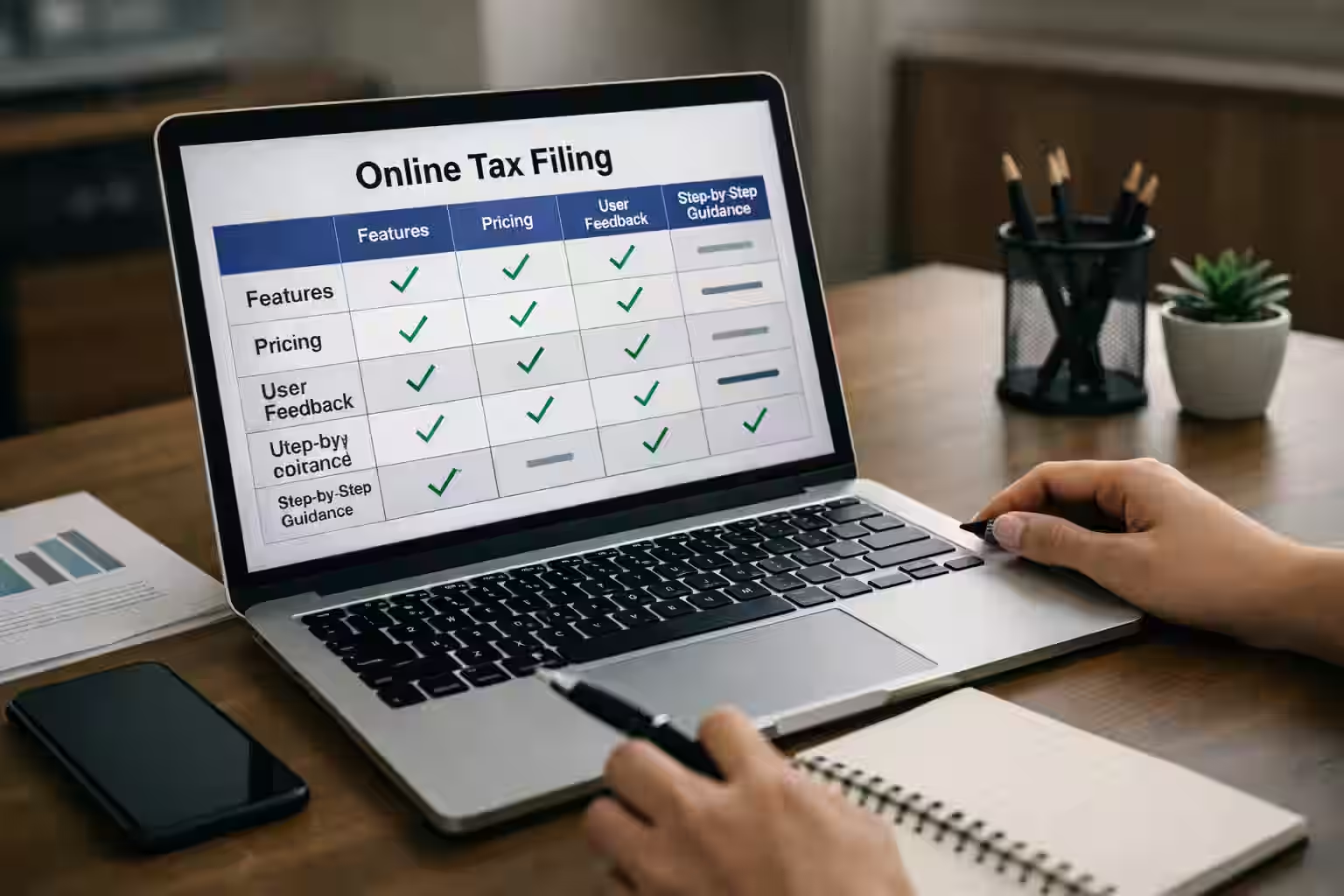
Tax season checklist hero

Printable tax season checklist

Use this block as your quick print version. If you are filing for a family, a student household, or a self-employed business, then continue into the matching sections below before you submit anything.

Before you open software

  • □ Collect slips, receipts, and account access details.
  • □ Confirm whether you need self-employed, Quebec, or student/family sections.
  • □ Check filing deadlines and payment deadlines.
  • □ Review CRA changes that affect the current season.

Before you click submit

  • □ Match every slip to the return.
  • □ Recheck business-use percentages and receipts.
  • □ Save copies of the return, PDF exports, and supporting records.
  • □ Keep your notice of assessment and carryforward notes for next year.

Employment income documents

Employees often underestimate how much time they lose searching for missing slips or account logins. Gather the core employment package first so the rest of the return stays clean.

  • T4 slips from employers and any amended versions.
  • T4A, T5, and T3 slips if investment or contract income also applies.
  • RRSP contribution receipts, donation receipts, and medical-expense support if relevant.
  • Notice of assessment and CRA My Account access if you need carryforward or instalment information.

Self-employed documents and records

Self-employed filers should organize records the way they will eventually be reported. That means grouping income, expense categories, sales-tax information, and usage logs before opening the return.

  • Income summary by client, platform, or invoice source.
  • Expense receipts categorized for T2125 reporting.
  • Bank and credit-card statements reconciled to business activity.
  • GST/HST or QST records, including collected tax and filing totals where applicable.
  • Vehicle logs and home-office notes if those claims apply.

If you are not sure how the business records map to the return, use the T2125 guide, the expense list, and the GST/QST driver calculator before you file.

Students and families checklist

Students and family households often miss credits because they think only in terms of income slips. Review the family and education layer separately so credits are not forgotten.

  • Tuition, education, and transfer-related documents if you are a student or supporting one.
  • Child-care, dependent, and benefit-related records where relevant.
  • RRSP, moving, or disability-related documents if they apply to the household.
  • Prior-year notices to confirm carryforwards and account balances.

Quebec checklist

Quebec filers should prepare for both federal and provincial workflow questions. Keep Revenu Quebec access and QST-related records ready before you start.

  • Quebec slips and Revenu Quebec account reminders.
  • QST records if you are registered or have platform income that touches Quebec sales-tax workflow.
  • Any supporting notes you need for parallel CRA and Revenu Quebec filing steps.

Tax software checklist

Do not choose software first and hope the documents fit later. Once your paperwork is organized, use software comparison to match the right workflow to the complexity of your return.

  • Confirm whether your return is straightforward, self-employed, Quebec-specific, or support-heavy.
  • Check what information you need before you start a new return profile.
  • Review deadline, payment, and carryforward details before submitting electronically.

The next best pages after this checklist are Tax Software Canada, Canada Tax Hub, and CRA Tax Changes 2026.

Common tax-season mistakes

  • Opening software before collecting slips, receipts, and account notes.
  • Treating self-employed records like one giant folder instead of organizing them by filing category.
  • Forgetting Quebec-specific tasks or GST/QST steps when business income is involved.
  • Submitting without saving copies of the return, receipts, and reconciliation notes.

Checklist tool

Interactive checklist

Check items as you go. Save to your browser only.

documents

self employed

quebec

before submit

Practice before you file

Walk through a practice flow and see what you might need next.

Start Practice Simulator

Related Guides

Tax Season Next Steps

FAQ

Is this checklist official CRA guidance?
No. It is a practical checklist to help you organize. Always confirm requirements with CRA.
Do I need every document listed?
No. Use the sections that apply to your situation and income sources.
What if I am self-employed?
Use the self-employed section and keep organized records of income and expenses.
Should I keep vehicle logs?
If you claim vehicle expenses, a mileage log supports the business-use portion.
What if I am in Quebec?
Quebec taxpayers may need QST documents and Revenu Quebec considerations.
Can I print this checklist?
Yes. Use the Print button at the top to save as PDF or print.
Can I save progress?
Yes. Use the checklist tool to save progress in your browser.
What should I do before clicking submit?
Review income, confirm deadlines, and keep copies of your return and receipts.

TechNextPicks AI Decision Copilot

Structured answers: summary, actions, tools, citations.

Thinking...

Suggested prompts

Learner mode follow-ups

Generating a structured response...