Windows Security Guide
Home Office Security & Backup Guide for Windows Users
This guide covers home office security with Windows security tools, password manager Windows options, VPN for Windows use cases, and cloud backup Windows strategies. It is simple, practical, and focused on what actually keeps work safe.
Introduction: treat your home office like a small business
A home office is still a business environment. You store client files, receive invoices, and log into work accounts. That makes your PC a target. Strong home office security means using a password manager Windows users can trust, enabling 2FA everywhere, and maintaining backups that can recover your work after a mistake, a ransomware attack, or a hardware failure.
This guide focuses on Windows security tools you can install and manage without IT support. Every step is practical and based on common work-from-home risks.
Related images

Section 1: Password managers
What is a password manager?
A password manager is a secure vault that stores your login details and creates strong passwords for every account. It replaces weak, reused passwords with unique ones and fills them automatically when you sign in.
Why Windows users need it
Windows PCs often connect to multiple services: Microsoft 365, banking, clients, and internal tools. Reusing passwords is the most common risk in home office security. A password manager Windows users rely on reduces that risk to near zero.
Best password managers for Windows
- Bitwarden for a clean, affordable vault with strong encryption.
- 1Password for teams and shared vaults.
- NordPass or Dashlane if you prefer a guided experience.
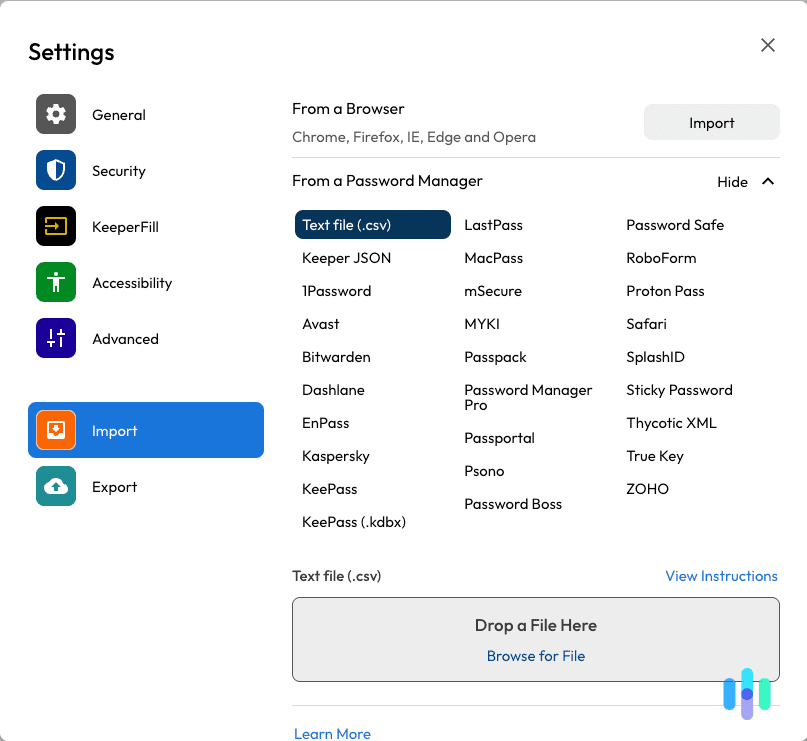
How to use on Windows (step-by-step)
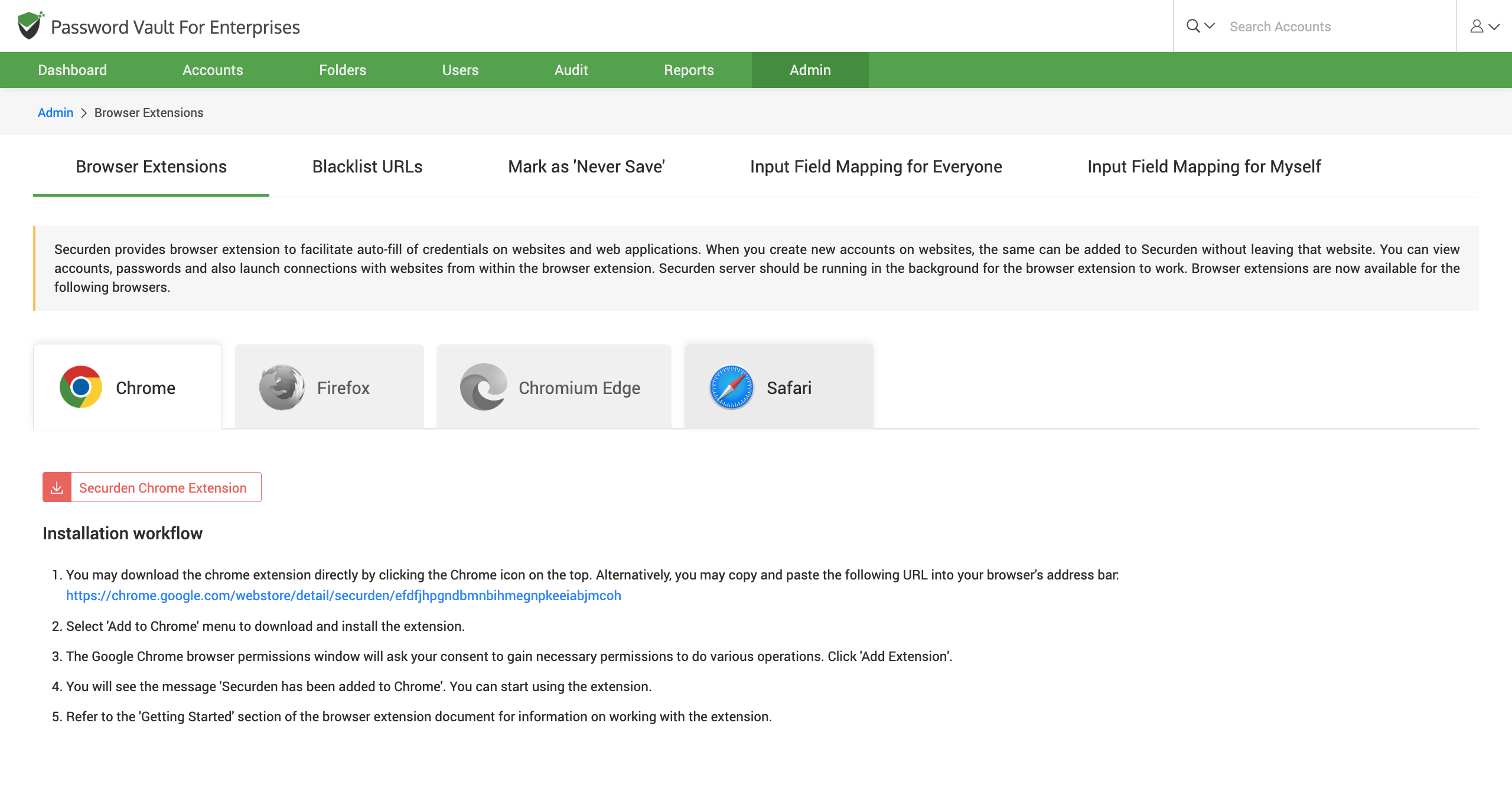
- Install the Windows app and browser extension.
- Create a long master password you will remember.
- Import passwords from your browser if needed.
- Turn on automatic password generation for new accounts.
- Enable 2FA inside the manager for extra protection.
Section 2: VPN for public networks
What a VPN does
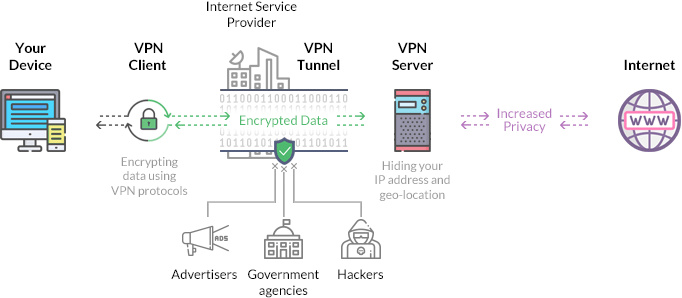
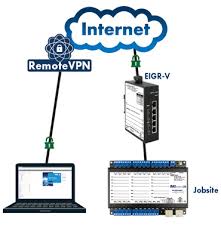
A VPN for Windows creates an encrypted tunnel between your laptop and the internet. It prevents other people on the same Wi-Fi from reading your data or tracking your activity.

When Windows users must use a VPN
- Public Wi-Fi at cafes, hotels, or airports.
- Shared workspaces with unknown networks.
- When traveling and accessing sensitive files.
Best VPN tools for Windows
- NordVPN or ExpressVPN for speed and reliability.
- Proton VPN for privacy-focused users.
- Surfshark for budget-friendly multi-device plans.
Simple setup steps on Windows
- Install the VPN app from the provider.
- Sign in and choose a nearby server.
- Enable the kill switch option in settings.
- Set it to auto-connect on untrusted Wi-Fi.
Section 3: Cloud backup
Why backup is critical
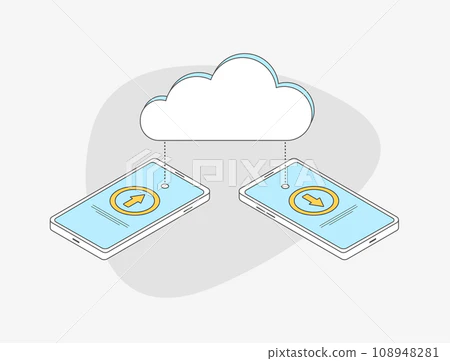
A single spill, power surge, or ransomware event can wipe out months of work. Cloud backup Windows users set up correctly restores files quickly without manual effort.

Cloud storage vs cloud backup
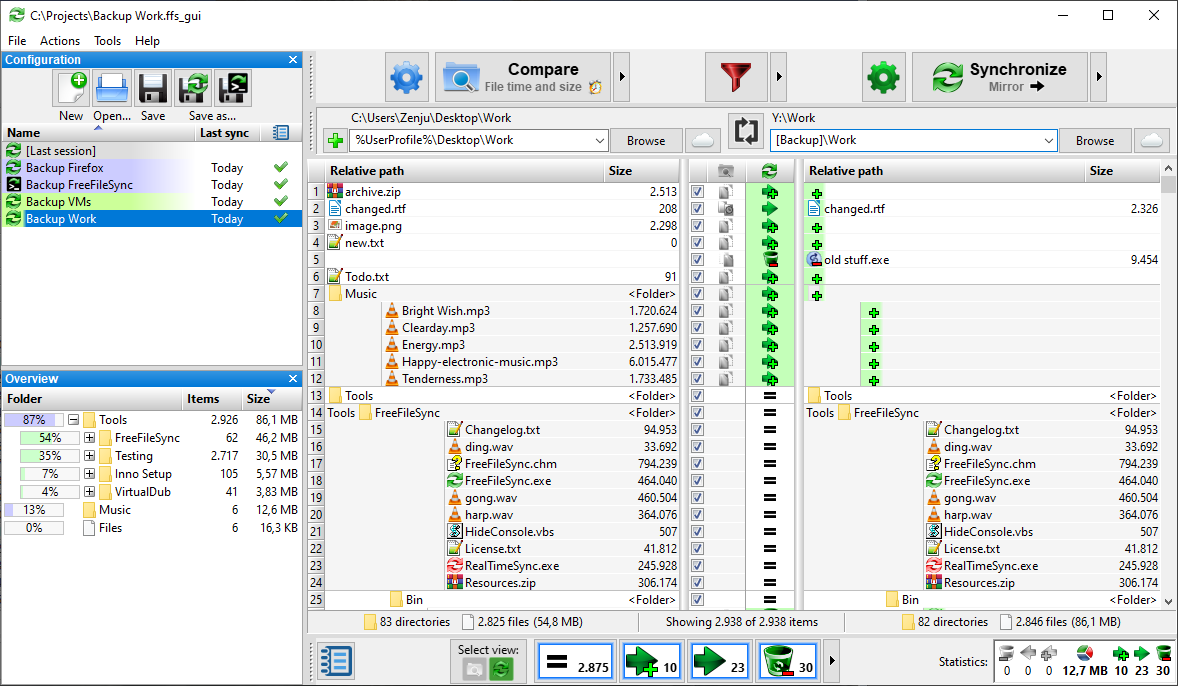
Cloud storage (like OneDrive) syncs files across devices. Cloud backup keeps versioned copies even after accidental deletion or corruption. For true protection, you want both.
Best cloud backup tools for Windows
- Backblaze for automatic full-PC backup.
- CrashPlan for customizable backups.
- Microsoft OneDrive for everyday document sync.
Recommended backup strategy
Use a cloud backup tool for continuous protection and an external SSD or HDD for monthly offline snapshots. This hybrid approach reduces recovery time and protects against account lockouts.
Security checklist table for Windows users
| Task | Why it matters | Frequency |
|---|---|---|
| Use a password manager | Stops password reuse and weak logins | Set once, update as needed |
| Enable 2FA on key accounts | Blocks most account takeovers | Set once |
| Turn on Windows Update | Fixes security holes quickly | Weekly |
| Encrypt with BitLocker | Protects data if a laptop is lost | Set once |
| Use a VPN on public Wi-Fi | Prevents snooping on shared networks | When traveling |
| Cloud backup Windows setup | Restores files after deletion or malware | Continuous |
| External drive snapshot | Offline recovery if cloud is locked | Monthly |
Internal linking suggestions
FAQ
Do I need a VPN for Windows if I work from home?
Use a VPN for Windows when you join public Wi-Fi or shared networks. At home, it is optional.
Is OneDrive enough for backup?
OneDrive is cloud storage, not full backup. Pair it with a cloud backup Windows tool.
What is the fastest way to recover after data loss?
Use cloud backup for quick restores and an external drive for large full-system recovery.
Conclusion
The best home office security combines strong passwords, 2FA, and reliable backups. Start with a password manager Windows users can trust, add a VPN for Windows when you travel, and keep cloud backup Windows running in the background. A simple system beats a complex one you do not use.