Why it fits:
Trade-off:
C$
Accessory Guide
Hubs and docks look similar, but they solve different problems. This beginner-friendly guide explains the differences, the best use-cases, and how to choose the ensure the right pick for your Windows or Mac laptop.
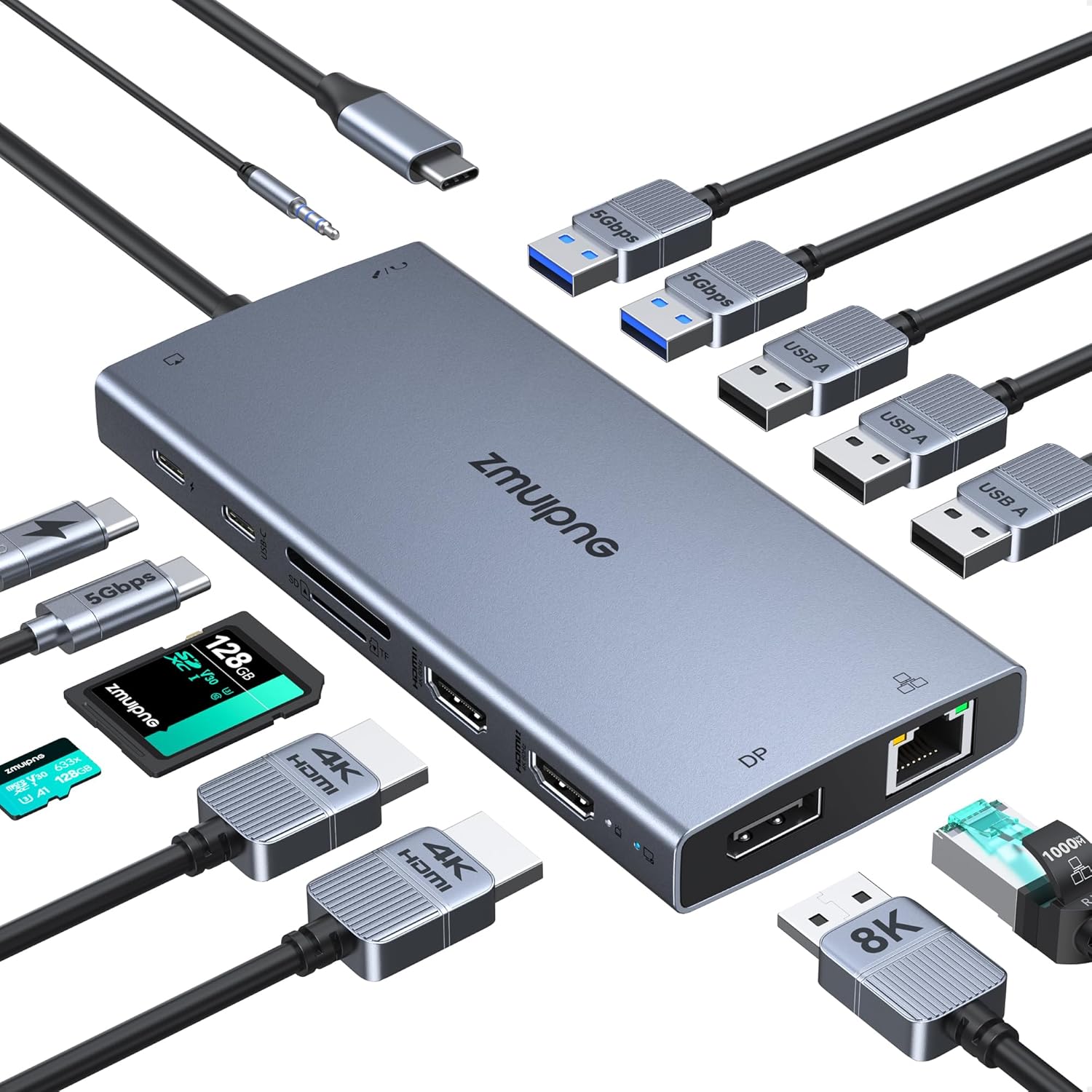
USB-C Dock
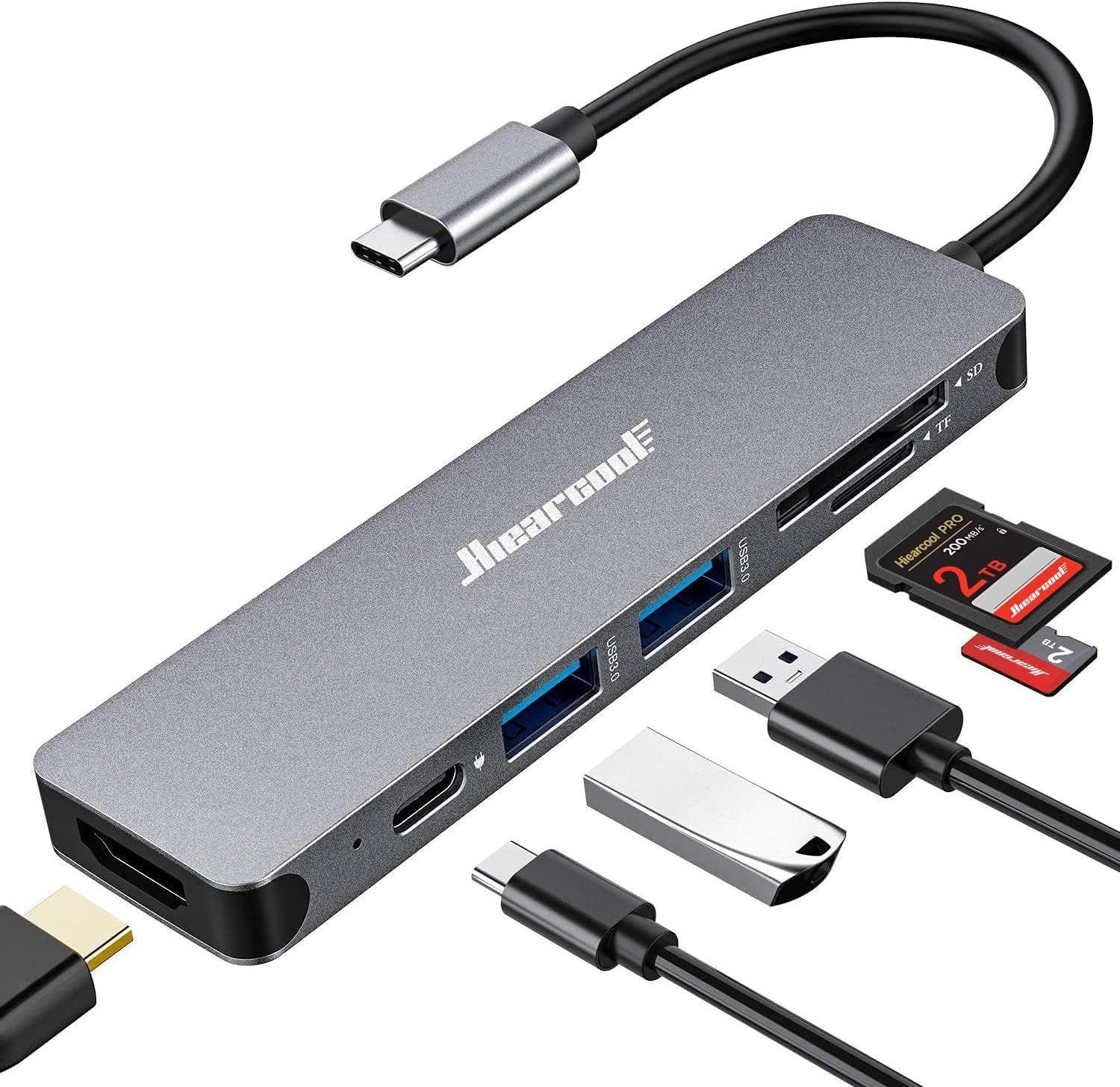
USB-C Hub
| Feature | USB-C Hub | USB-C Dock |
|---|---|---|
| Size | Small, portable | Larger, desktop |
| Power | Laptop-powered | External power adapter |
| Charging | Limited pass-through | Full laptop charging |
| Displays | Usually 1 | Often 2-3 |
| Best for | Travel, students | Office, creators |
Best for travel and quick setups. Think laptop + mouse + USB drive + HDMI when you are on the go.
Best for desks and multi-monitor setups. Great when you want one cable to power everything.
Need a shortlist? Browse best USB-C hubs or best USB-C docks.
No. Hubs are portable and laptop-powered; docks use external power and offer more ports.
Some hubs offer pass-through charging, but docks are better for full charging.
Only if you need the highest bandwidth or multiple high-resolution displays.
Choose a USB-C hub for simple, portable setups. Choose a USB-C dock for a full desk workstation with more ports and reliable charging. If you want curated picks, start with best USB-C hubs or best USB-C docks.
Best USB-C docks
Desk-ready power and ports.
Best USB-C hubs
Portable add-on ports.
Best webcams for meetings
Clear video for calls.
Best monitors for 2026
Sharper workspaces.
Student tech 2026
Class-ready gear lists.
Remote work setup 2026
Build a focused workspace.
Structured answers: summary, actions, tools, citations.
Suggested prompts
Learner mode follow-ups