AI-assisted workflow tools
Built to take advantage of Copilot and MSI’s AI tuning features for smoother multitasking and smart power management during mixed gaming and productivity sessions.
Performance-first gaming power with value-driven hardware choices.
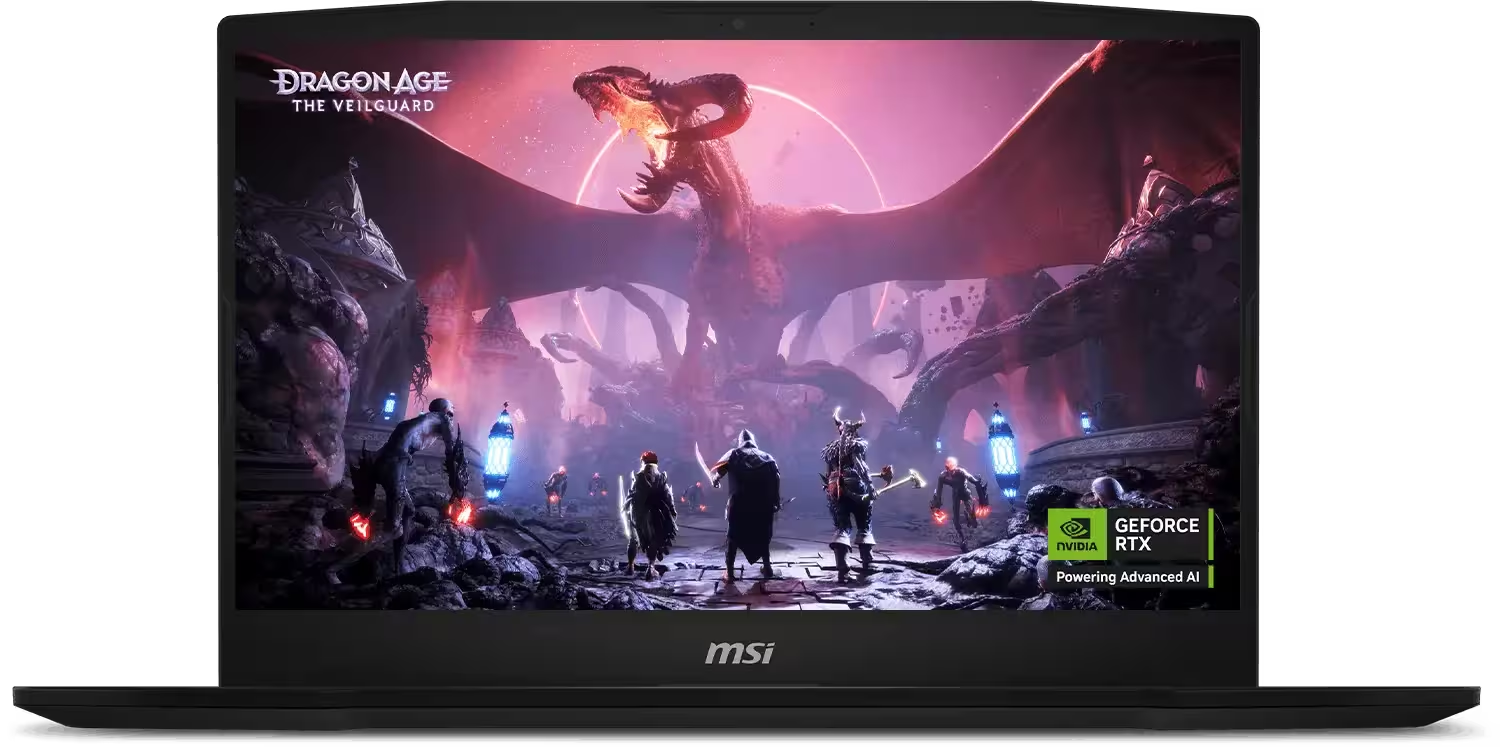
The MSI Katana 15 HX positions itself as a performance-driven gaming laptop designed to deliver modern hardware power without drifting into ultra-premium pricing territory. Built around Intel’s high-core HX processors and NVIDIA’s latest GeForce RTX 50-series laptop GPUs, the Katana 15 HX focuses on what matters most to gamers: raw speed, consistent frame rates, and dependable thermal control during extended play sessions.
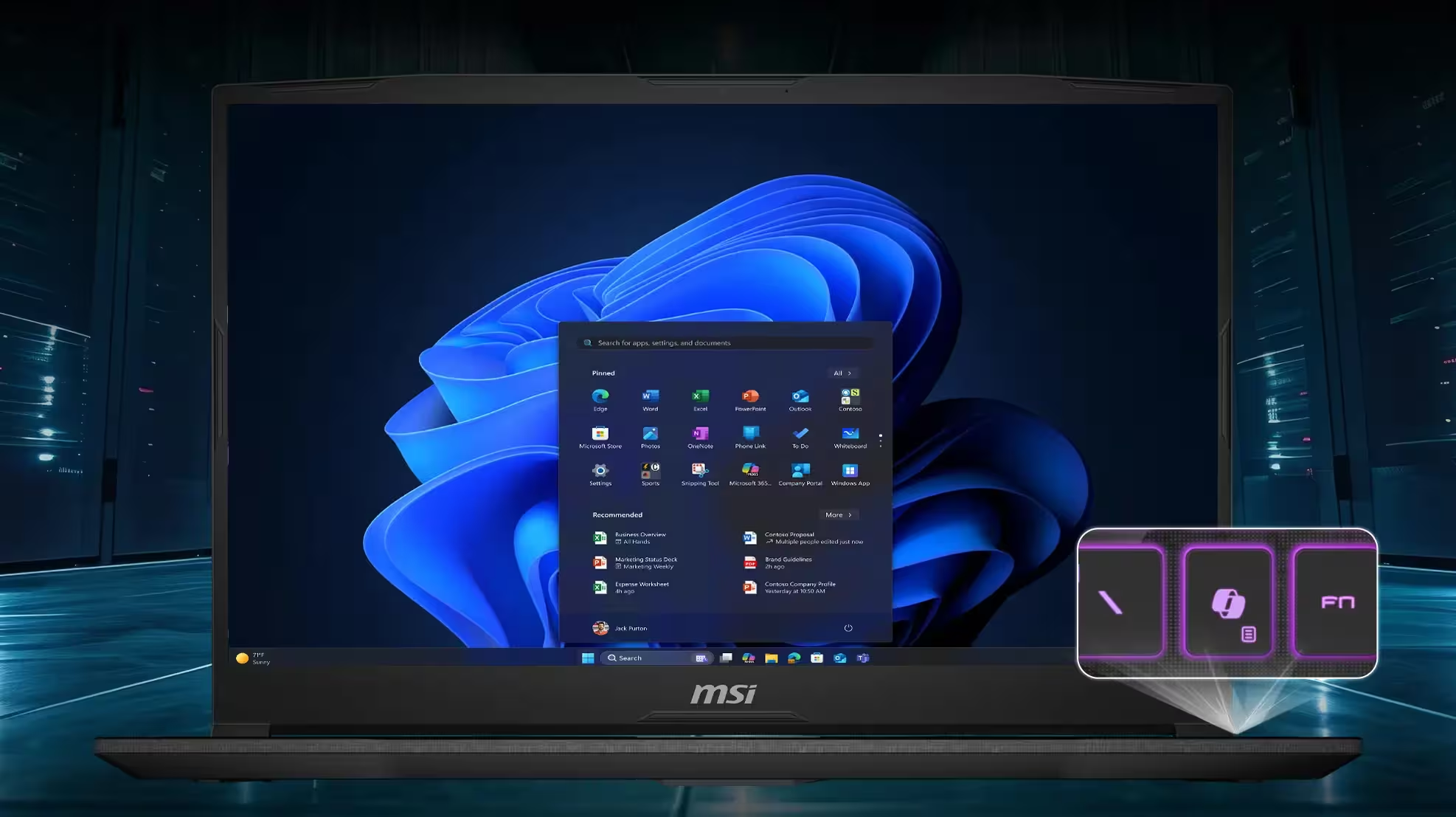
Rather than chasing ultra-thin design trends, MSI prioritizes stability and sustained performance. Features like Cooler Boost 5 with shared CPU-GPU heat pipes, a discrete graphics (MUX) mode, and high-refresh QHD display options ensure the system can maintain performance under load while offering a responsive, immersive gaming experience. The visual presentation is backed by a fast panel with wide color coverage, making the laptop equally capable for content creation, streaming, and everyday productivity.
The Katana 15 HX also leans into modern workflows with AI-ready NVIDIA RTX features, DLSS 4 support, and compatibility with AI-accelerated tools for gaming, creative work, and productivity. Add in a full-size keyboard with RGB lighting, practical port selection, and solid upgradability, and the Katana 15 HX emerges as a well-rounded choice for gamers who want strong performance per dollar without unnecessary design excess.
Overall, the MSI Katana 15 HX is best suited for players seeking a dependable, no-nonsense gaming machine—one that emphasizes power, cooling, and value over ultra-portable form factors or luxury finishes.
Processor
Intel Core i7-14650HX
Operating System
Windows 11 Home or Pro
Display Options
15.6" FHD 144Hz or QHD 165Hz (IPS-level)
Chipset
Intel HM770
Graphics
NVIDIA GeForce RTX 5070 Laptop GPU, 8GB GDDR7
Graphics Power
Up to 115W max graphics power with Dynamic Boost
CPU + GPU Power
Full power CPU and GPU configuration
Memory (Installed)
32 GB DDR5-5600
Storage
1x M.2 NVMe PCIe Gen4 slot
Security
Firmware TPM 2.0
Webcam
720p HD, 30 fps
Keyboard
4-zone RGB gaming keyboard with Copilot key
Networking
Gb LAN, Wi-Fi 6E, Bluetooth 5.3
Audio
Dual 2W speakers
Audio Jack
Mic-in/Headphone-out combo
I/O Ports
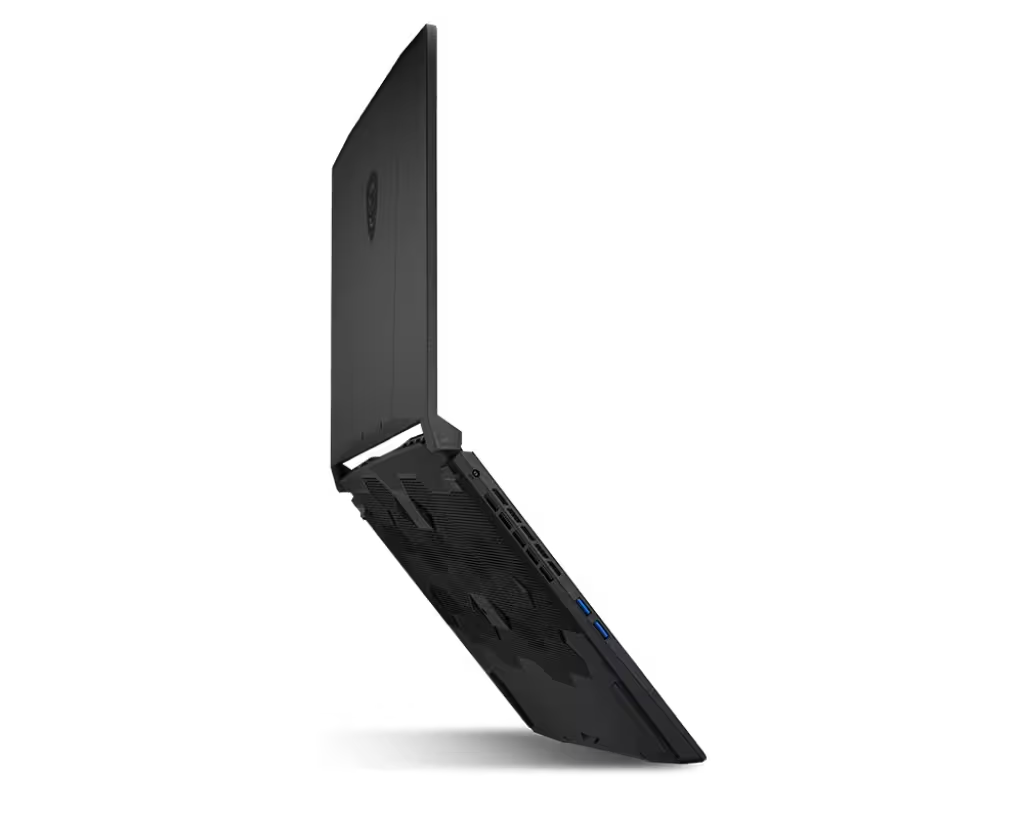
1x RJ45, 1x USB-C 3.2 Gen2 (DP, PD 3.0), 3x USB-A 3.2 Gen2, 1x HDMI 2.1 (8K@60Hz / 4K@120Hz)
Battery
4-cell 75 Whr
Power Adapter
240W adapter
Dimensions (WxDxH)
359 x 262 x 25.5 mm
Weight
2.4 kg
Color
Black
Bundle
Includes one month of PC Game Pass (varies by region)
Built to take advantage of Copilot and MSI’s AI tuning features for smoother multitasking and smart power management during mixed gaming and productivity sessions.
High-core HX processors deliver the kind of sustained speed that heavy gaming and creator workloads need.
GeForce RTX 50-series Laptop GPUs pair modern ray tracing with DLSS 4 and AI acceleration to keep frame rates high at demanding settings.
A shared heat-pipe cooling layout keeps CPU and GPU temperatures under control so performance stays stable over long play sessions.
Switchable graphics lets you prioritize maximum FPS during gaming or longer battery life when you need it.
Choose between fast FHD and QHD refresh-rate panels to keep motion clear for competitive play and vivid for creative work.
A full-size keyboard with 4-zone RGB lighting keeps key controls visible and responsive during long sessions.
Wi-Fi 6E, Bluetooth 5.3, and a well-rounded port mix make it easy to connect to docks, monitors, and peripherals.
Based on internal lab testing and real-world use.
Overall rating
Solid gaming throughput for the cost, with enough headroom for creator apps.
By TechNextPicks Lab · 3 days ago
Fans stay reasonable for the performance level, even during longer play sessions.
By TechNextPicks Lab · 1 week ago
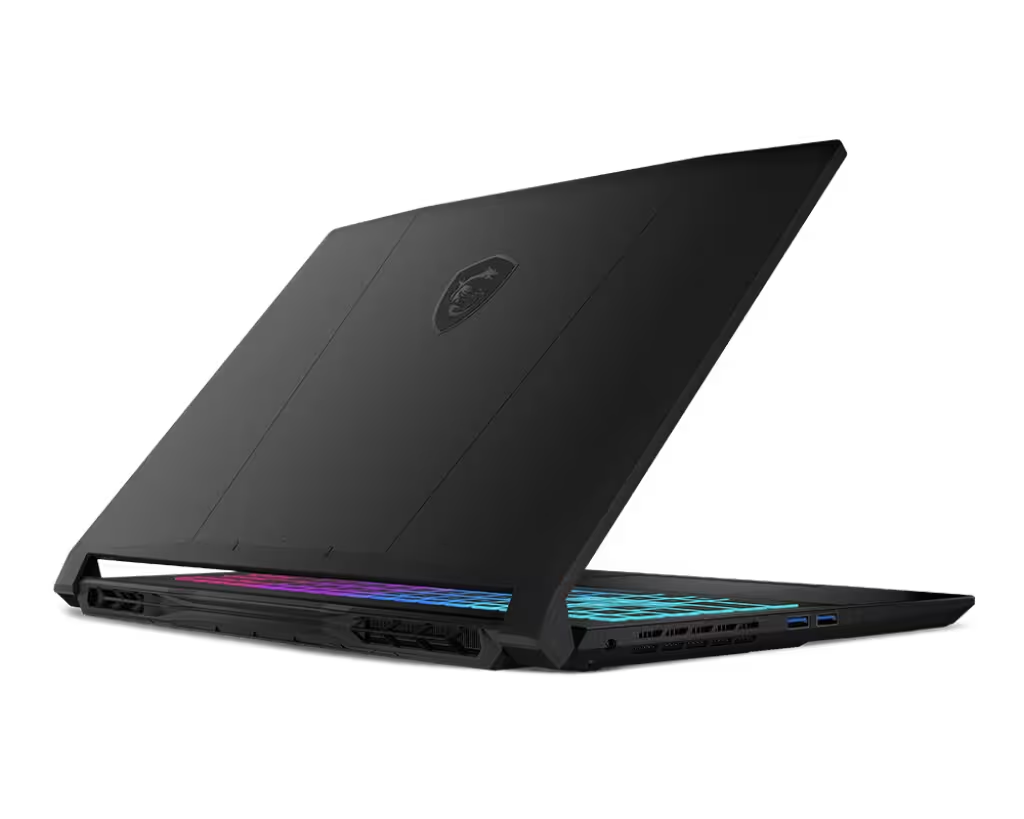
Verdict: The Katana 15 HX is a true gaming workhorse for players who value high frame rates and raw performance over premium materials or ultra-bright displays.
Need help comparing configurations or choosing the right build? Contact us and we will help you pick the right option.
Structured answers: summary, actions, tools, citations.
Suggested prompts
Learner mode follow-ups